A Book of Colors launched as an iOS app for browsing and building color palettes. Version 2.0 is the biggest update since launch: a handful of genuinely new features, and a second home for the app on the Mac. It's a free download from the App Store.
Here's everything that's new, and everything the app already does.
What's new in 2.0
Ambient mode. Press and hold the menu button and the app goes full screen, hides every label and control, and slowly cycles through palettes and layouts with a soft crossfade. Nothing to read, nothing to tap, just color, drifting. I leave it running on a spare device on my desk. Tap anywhere to come back.
Press and hold to reorder. Press and hold any color, then drag it onto another to rearrange a palette. It saves automatically.
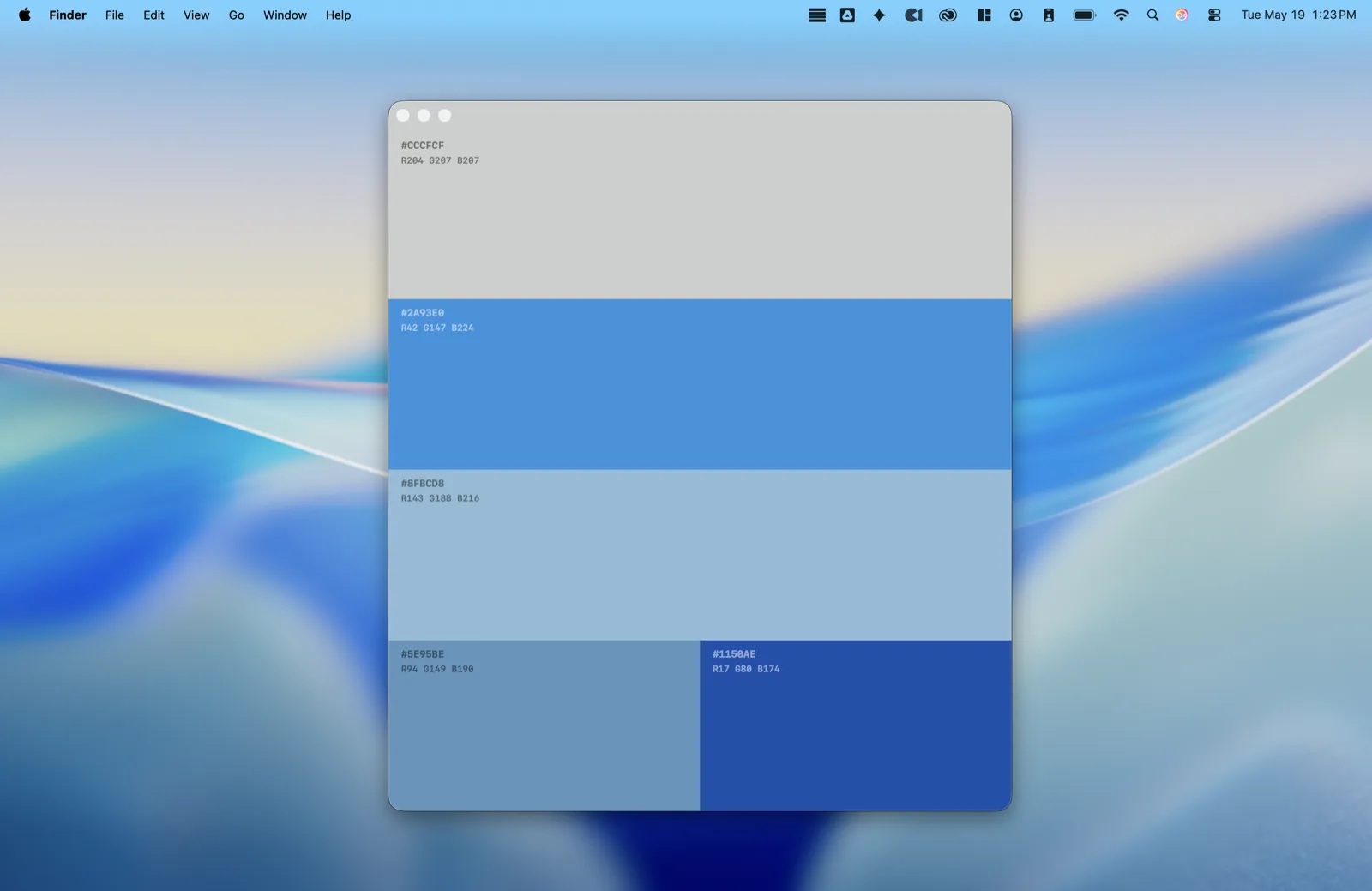
A native Mac app. A Book of Colors now runs on the Mac. It lives in your menu bar, one click away, with a companion palette window. There are keyboard shortcuts for palettes, layouts, and tabs, and Ambient mode is there too (⇧⌘A takes over the whole screen). It isn't a stretched-up iPad app. It's a separate Mac build that shares its core with iOS but is made for the desktop.
The full picture
If you're new to the app, here's the rest of what's inside.
A curated library. More than 800 hand-picked palettes in the Starter Kit, organized by mood: warm, cool, vibrant, neutral, dark. There's also a Paintings pack: palettes pulled from my own paintings, each one linking back to the artwork it came from. Palette packs are optional. Show or hide them so the library stays exactly as deep as you want it.
Built to explore. Swipe up and down to move through palettes. Swipe left and right to cycle through layout variants. Tap any color to copy its hex code, with a haptic tap and a confirmation toast. Filter by mood, by source, or by number of colors, anywhere from one to ten.
Three ways to create your own.
- Color theory generator: pick a base color and get complementary, analogous, triadic, split-complementary, tetradic, or monochromatic schemes, updating live.
- Manual builder: choose every color by hand.
- Photo extraction: pull a palette straight out of any photo. The app finds the dominant colors and weights them by how much of the image they cover.
Save what you love. Like a palette to keep it close, or save your own creations. They stay in your Browse tab, ready whenever you need them.
Try it, it's free!
A Book of Colors 2.0 is available now on the App Store for iPhone, iPad, and Mac.