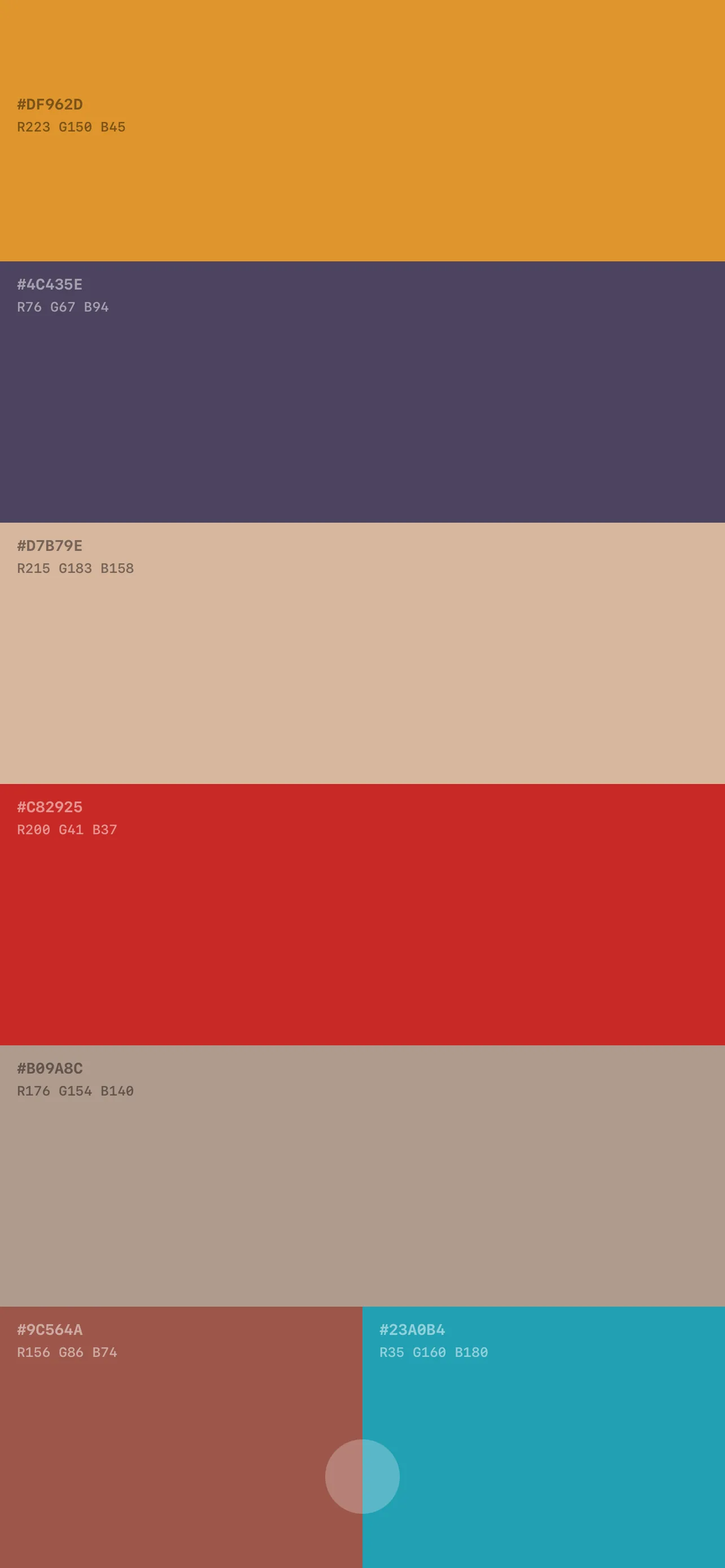
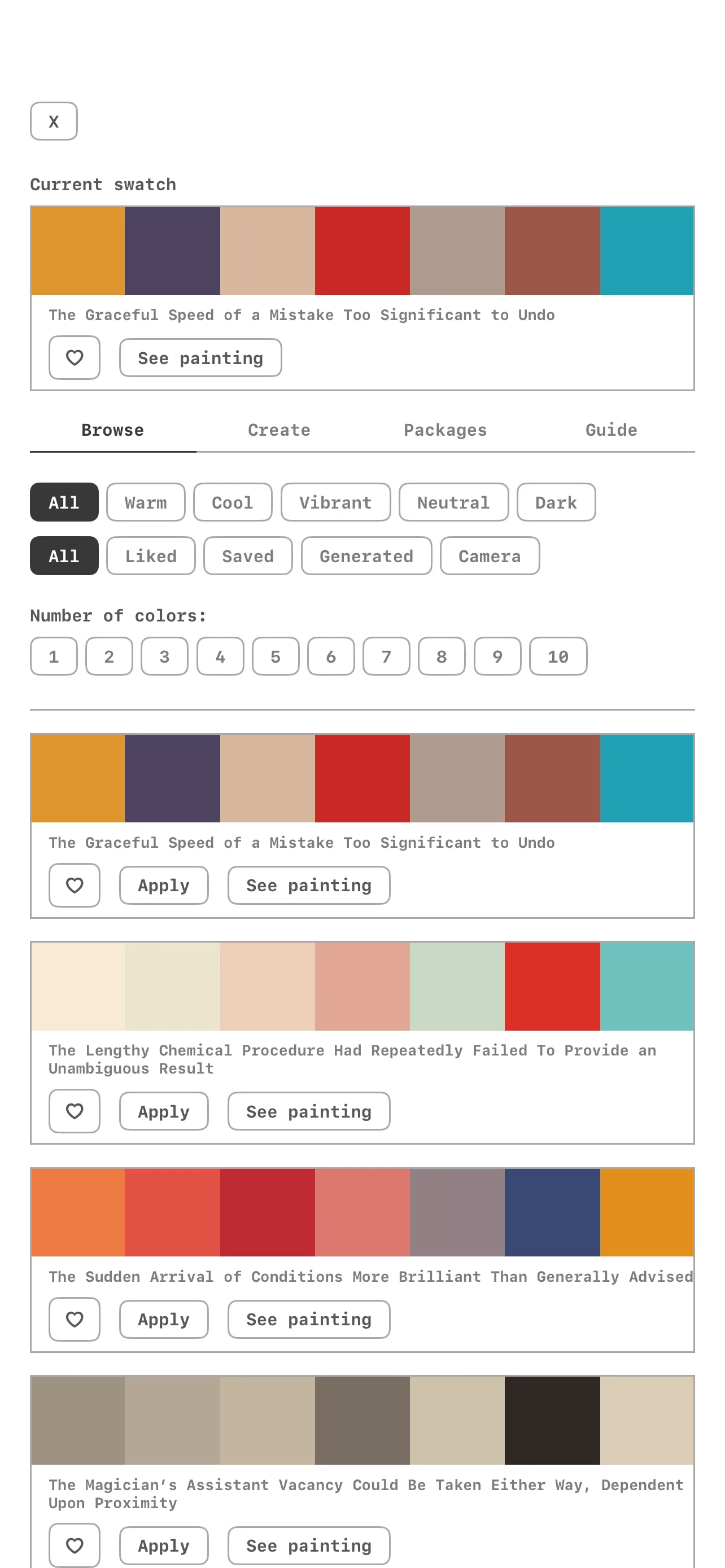

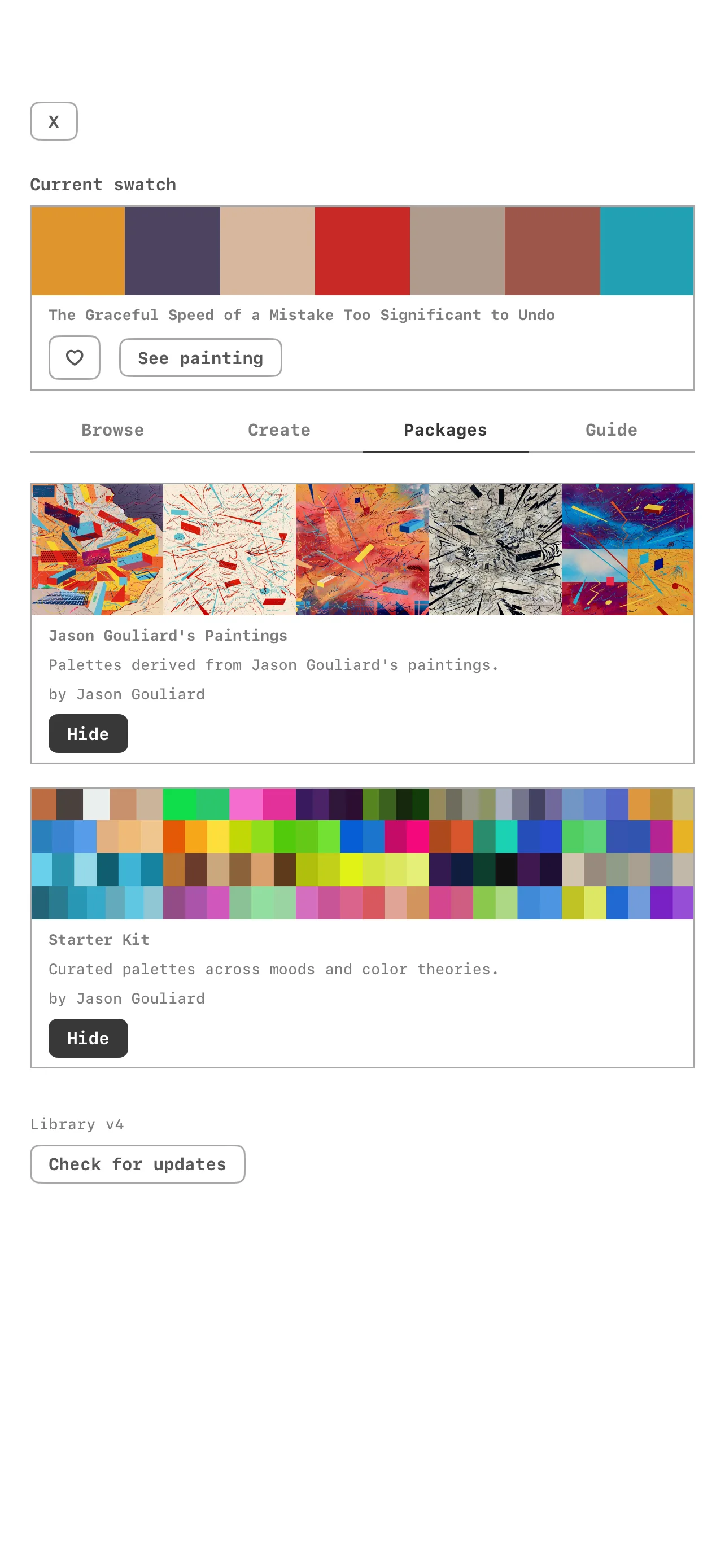
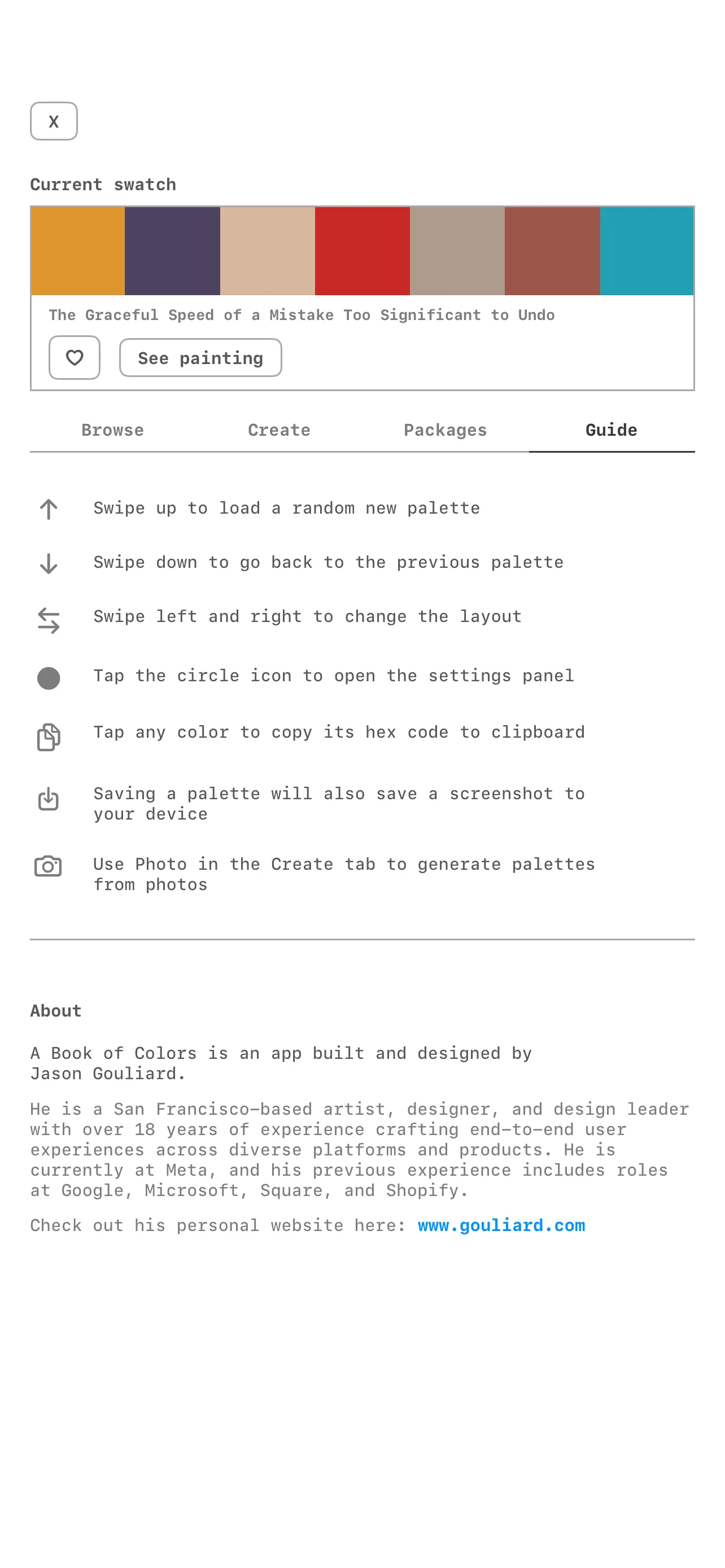
I've been a designer for a long time, but I'm not a trained engineer. I can read code, push commits, and navigate Xcode, but building a full iOS app from scratch was always something that felt just out of reach. A Book of Colors changed that. It's my iOS color palette app, and Claude Code is how I built it.
This post is for the designer who can see exactly what they want to build but keeps hitting a wall between having an idea and shipping it.
What Claude Code is
Claude Code is a CLI tool that runs in your terminal. You describe what you want in plain language, Claude reads your codebase, proposes changes, and writes the code directly into your files. You review the diffs, run the app, and tell it what's wrong or what to do next. That's the whole loop.
There's no drag and drop. No GUI. Just a conversation with a very fast engineer who can hold your entire codebase in its head at once.
What the collaboration actually looks like
A typical session started with me describing what I wanted in one or two sentences: "I want the swipe left gesture to cycle through three layout variants instead of shifting hue." Claude would propose an approach, I'd say yes or redirect, and it would write the code.
When something broke, I'd paste the error message or just describe the symptom. I didn't need to know where the bug was, only what was happening. Claude would trace back through the logic, find the cause, and fix it. The color theory crash is a good example: I said "the generator crashes when I pick 2 columns and split-complementary." Claude read the function, found the off-by-one index error, and added a minColors guard per scheme.
What surprised me most was how well it handled decisions I changed my mind about. When I decided horizontal swipes should change the layout instead of the color, Claude didn't add the new behavior on top of the old code. It removed the hue-shift logic entirely and replaced it cleanly. The ability to confidently delete and replace, not just accumulate, saved a lot of technical debt.
Sessions were usually 2 to 4 hours. I'd describe the feature, ask questions, make decisions, and push back when the code didn't match what I had in my head. Claude never argued. It proposed, I redirected, it revised. That dynamic works really well when you have strong opinions about the result.
What we built
The first pass was a bundled JSON file with 612 hand-curated palettes, a full-screen swipe UI, and a color theory generator. Claude helped wire up the SwiftUI architecture: a single @Observable PaletteStore injected into the environment, with gesture controls we iterated on together. Swipe up/down to navigate palettes, swipe left/right to cycle layout variants.
The problems that needed solving
The camera extraction feature uses k-means clustering (k=7) on a 50px thumbnail to find dominant colors, weighted by cluster size. Making it feel right in a SwiftUI app, with proportional column widths, a progress bar, and haptic feedback, took more back and forth than the algorithm itself.
The weirdest bug was Dynamic Island clipping in landscape mode. iOS reports the cutout inset on both left and right, not just the side it physically sits on. An earlier fix tried to compare left vs. right to pick a side, but they were always equal, so it always failed. Claude helped me add a debug overlay, confirmed the symmetry, and restructured the layout so both edges got proper padding without any side-picking logic.
Going remote
The biggest architectural shift was moving from a bundled palettes.json to a remote XML package system served from gouliard.com. Claude designed the RemoteLibraryService with conditional GET (ETag and Last-Modified), a file-based promo-image cache, and a 30-day throttle on manifest checks, plus a hidden 3-tap Easter egg on the Packages tab label to force-refresh during testing.
This is the kind of work I enjoy but find tedious to scaffold alone: parsing XML with Foundation's SAX parser, threading URLSession fetches into a SwiftUI-observable store without state explosions, keeping first-launch offline seamless. Claude got me through it in hours instead of days.
Submitting to the App Store
This part I did myself, and it's more straightforward than it sounds.
I created the app record in App Store Connect, chose a bundle ID, selected the Graphics and Design category, and set the content rating. Apple requires a privacy policy URL before you can submit, so I added one at gouliard.com/abookofcolors/privacy.
For screenshots I prepared a full set for the 6.7-inch iPhone display (required) plus 6.5-inch (optional but good to have). I arranged them to tell a story: browsing palettes, generating from color theory, extracting from a photo, the saved palette view.
Writing the App Store description took longer than anything else. Apple gives you 4000 characters and search indexing depends on how naturally your keywords appear in the copy. I wrote it myself, thinking about what a designer would actually search for: "color palette," "hex codes," "color theory," "color picker," "design inspiration."
Uploading the build is done through Xcode: Product > Archive, then Distribute App > App Store Connect. The build processes for roughly 20 minutes and shows up in TestFlight.
Review took about 24 hours. No rejections. The app launched and has been live since.
What it actually feels like
I directed everything: the aesthetic decisions, the UX model, the data architecture, which bugs to fix and which to defer. Claude executed, suggested, and occasionally caught edge cases I would have shipped around.
The analogy that keeps coming to mind: it's like pairing with a very fast, very patient engineer who has read every SwiftUI doc and never complains about scope creep. The creative vision is still entirely mine. The keystrokes are increasingly not.
If you're a designer who can articulate exactly what you want but keeps hitting a wall when it comes to building it, Claude Code is worth trying. The learning curve is the same as having a conversation.